Making A Post
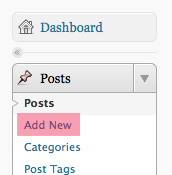
1. Click on “Add new” under Posts on the left sidebar.
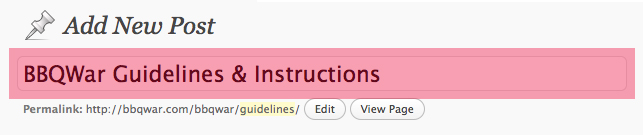
2. In the first input field under “Add New Post,” type in your title.
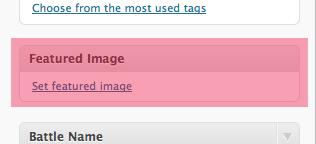
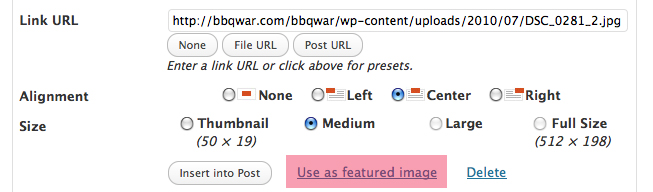
3. Add a “Featured Image” on the far right panel below the “Post Tags”. * You will also need to include this photo when u add all your photos in Step 5.
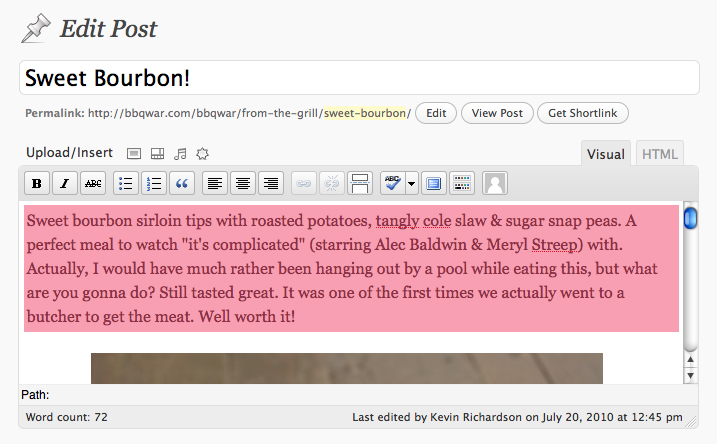
4. Add a description of your dish or event in the editor. This will need to be placed first before the images.
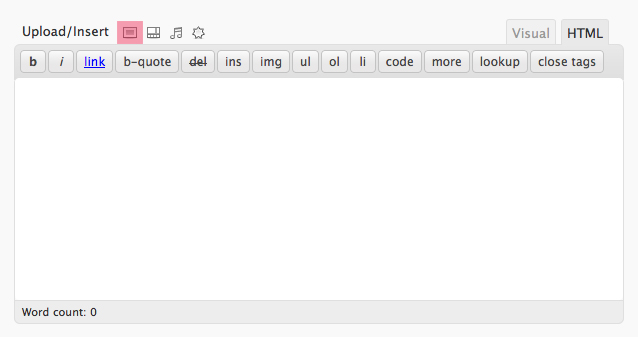
5. To add an image, click on the first icon that appears after the title “Upload/Insert” above the editor and make sure the following settings are selected:

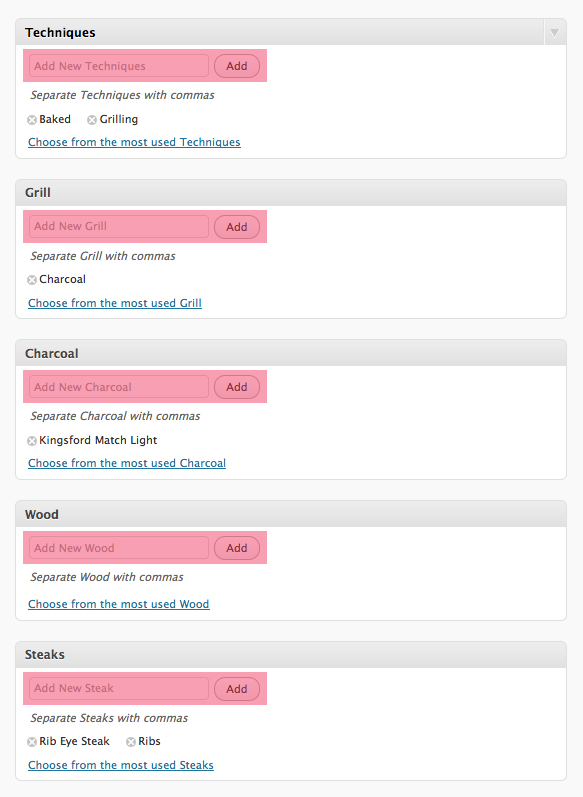
6. Make sure to fill out the Taxonomies such as: what type of technique was used in your cookout, what type of grill did you use, what type of charcoal, steak, poultry, sauces, marinade etc..
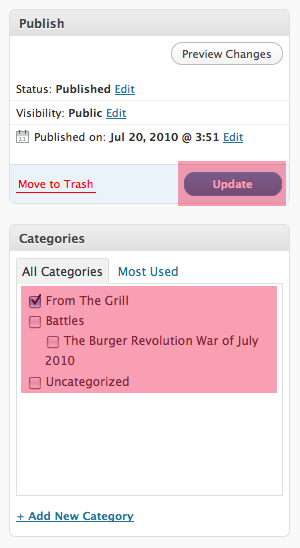
7. Last but not least, select either the “From the Grill” or the battle child category under “Battles” then click Publish.